
Student Digital Tools (Moodle / Teams / transcripts)
2,290 views
Student Digital Tools (Moodle / Teams / Transcripts)
Step-by-Step Student Guide for Accessing University Resources: This guide is designed to help you access the essential resources you'll need throughout your academic journey.
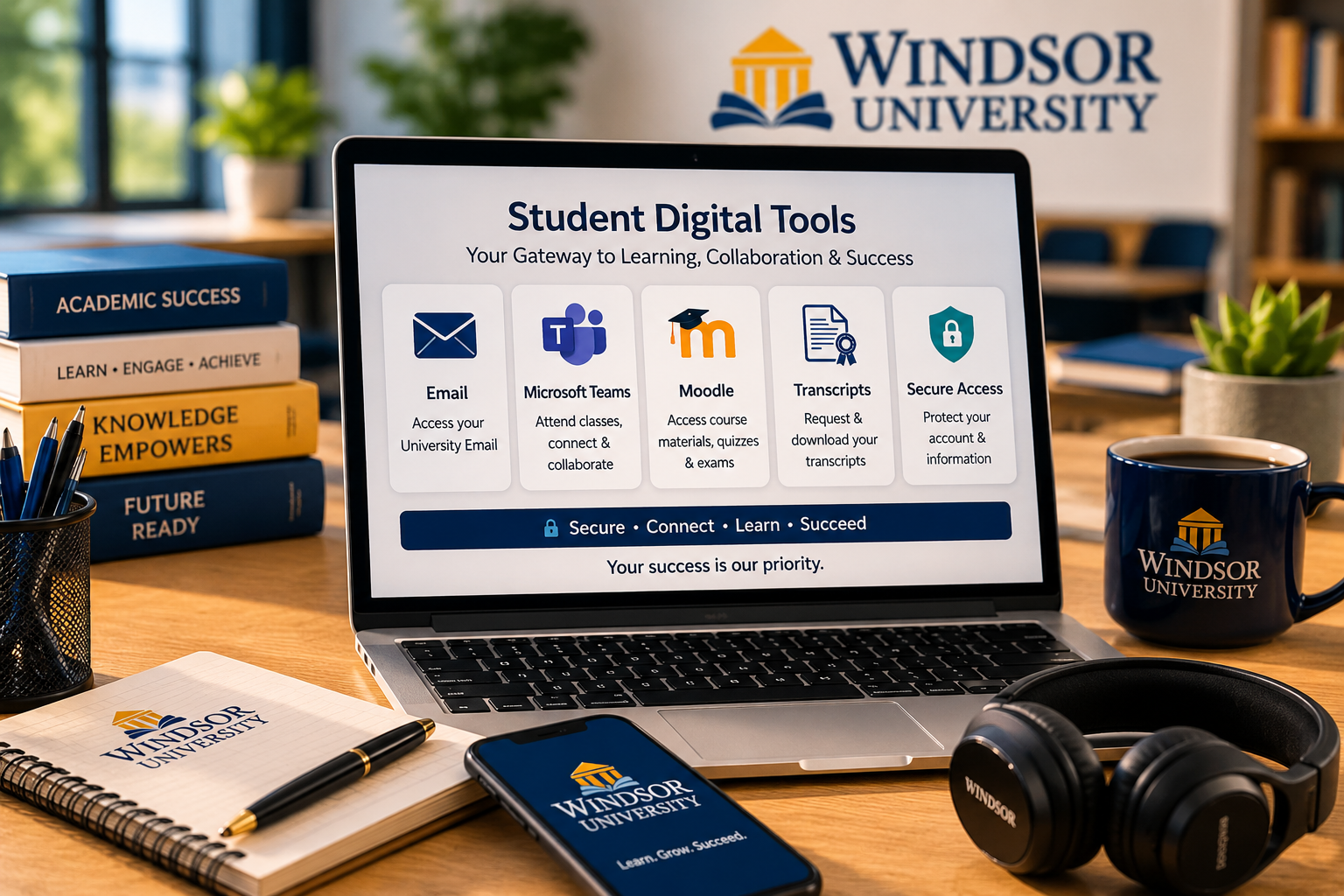
Accessing University Resources
Step-by-Step Student Guide for Accessing University Resources.
Accessing Your Email
Log in to your Windsor University email by visiting Outlook using the email address and password provided by the Student Affairs Office.
Setting Up Automatic Email Forwarding
You can forward your Windsor University emails to your personal email while keeping a copy. Follow this guide to set up email forwarding.
Using Microsoft Teams
Microsoft Teams is a vital tool for attending live classes, watching recorded sessions, and staying in touch with your instructors. Download Teams and log in with your university credentials.
Learning How to Use Microsoft Teams: Need a guide? Watch this video tutorial to get started.
Watch TutorialMoodle
Your Learning Management System. Access course materials, quizzes, and exams through Moodle.
Use your student ID and password to log in.
Accessing Your Transcript
At the end of each semester, you can download your transcript from the Transcript Portal.
Use your University Email and password to log in.
Stay Secure
Never Share Your Password with Anyone
If you need assistance, contact Windsor University's Student Affairs Office at [email protected].
Contact Student Affairs Step-by-Step Student Guide for Accessing University Resources:
This guide is designed to help you access the essential resources you’ll need throughout your academic journey.
Accessing your Email
Log in to your Windsor University email by visiting Outlook, using the email address and password provided by the Student Affairs Office.
Setting up Automatic Email Forwarding
You can forward your Windsor University emails to your personal email while keeping a copy. Follow this guide to set up email forwarding.
Using Microsoft Teams
Microsoft Teams is a vital tool for attending live classes, watching recorded sessions, and staying in touch with your instructors. Download Teams here, and log in with your university credentials.
Learning How to Use Microsoft Teams: Need a guide? Watch this video tutorial to get started.
Moodle
Your Learning Management System Access course materials, quizzes, and exams through Moodle.
Use your student ID and password to log in.
Accessing Your Transcript
At the end of each semester, you can download your transcript from the Transcript Portal .
Use your University Email and password to log in.
Digital Learning Experience
Windsor University provides students with modern digital tools and online platforms designed to support communication, collaboration, and academic success. Through secure and accessible systems, students can manage coursework, attend classes, communicate with instructors, and access important academic records from anywhere.
Our digital learning environment is designed to make education flexible, organized, and convenient for students throughout their academic journey.
Access to Academic Resources
Students at Windsor University can easily access essential academic resources through university-supported platforms. These tools help students stay connected with their classes, assignments, course materials, and university communications in one centralized environment.
By using digital platforms such as Moodle, Microsoft Teams, and Outlook, students can participate in learning activities, submit assignments, review course content, and stay informed about important academic updates and announcements.
Online Communication & Collaboration
Effective communication is an important part of student success. Windsor University encourages students to actively engage with instructors, classmates, and academic staff through online communication tools and collaborative learning platforms.
Microsoft Teams allows students to attend virtual classes, participate in discussions, view recorded lectures, and maintain regular communication with faculty members. These tools help create an interactive and supportive online learning experience for students worldwide.
Student Account Security & Support
Windsor University is committed to protecting student information and promoting secure access to university systems. Students are encouraged to maintain strong passwords, protect their login credentials, and follow university guidelines for account security.
For technical assistance or account-related support, students can contact the Student Affairs Office for guidance and assistance. Our support team is available to help students access their university resources and resolve common technical concerns efficiently.
Flexible & Accessible Learning Environment
The university’s digital platforms are designed to support flexible learning for students with different schedules, responsibilities, and locations. Whether attending classes remotely or accessing materials outside regular study hours, students can continue learning at their own pace through online resources and recorded sessions.
This flexible approach helps students remain connected to their academic programs while balancing professional, personal, and educational commitments in a convenient and accessible way.
Academic Progress & Transcript Access
Windsor University provides students with convenient access to academic records and progress tracking tools throughout their educational journey. Students can review grades, course performance, and semester progress through the university’s online systems in a secure and organized environment.
At the end of each semester, transcripts can be accessed through the Transcript Portal using university credentials. This streamlined process allows students to monitor their academic achievements, maintain personal records, and prepare important documents for future educational or professional opportunities.
The university remains committed to ensuring that students have reliable access to the information and resources needed to support their academic success and long-term goals.
Important Reminder: Never share your password with anyone.
If you need assistance, contact Windsor University’s Student Affairs Office at [email protected].