
Employee Information Form
242 views
Employee Information Form
Please complete all required fields in the form below as accurately as possible. If you have any questions regarding this application, please contact us at [email protected]
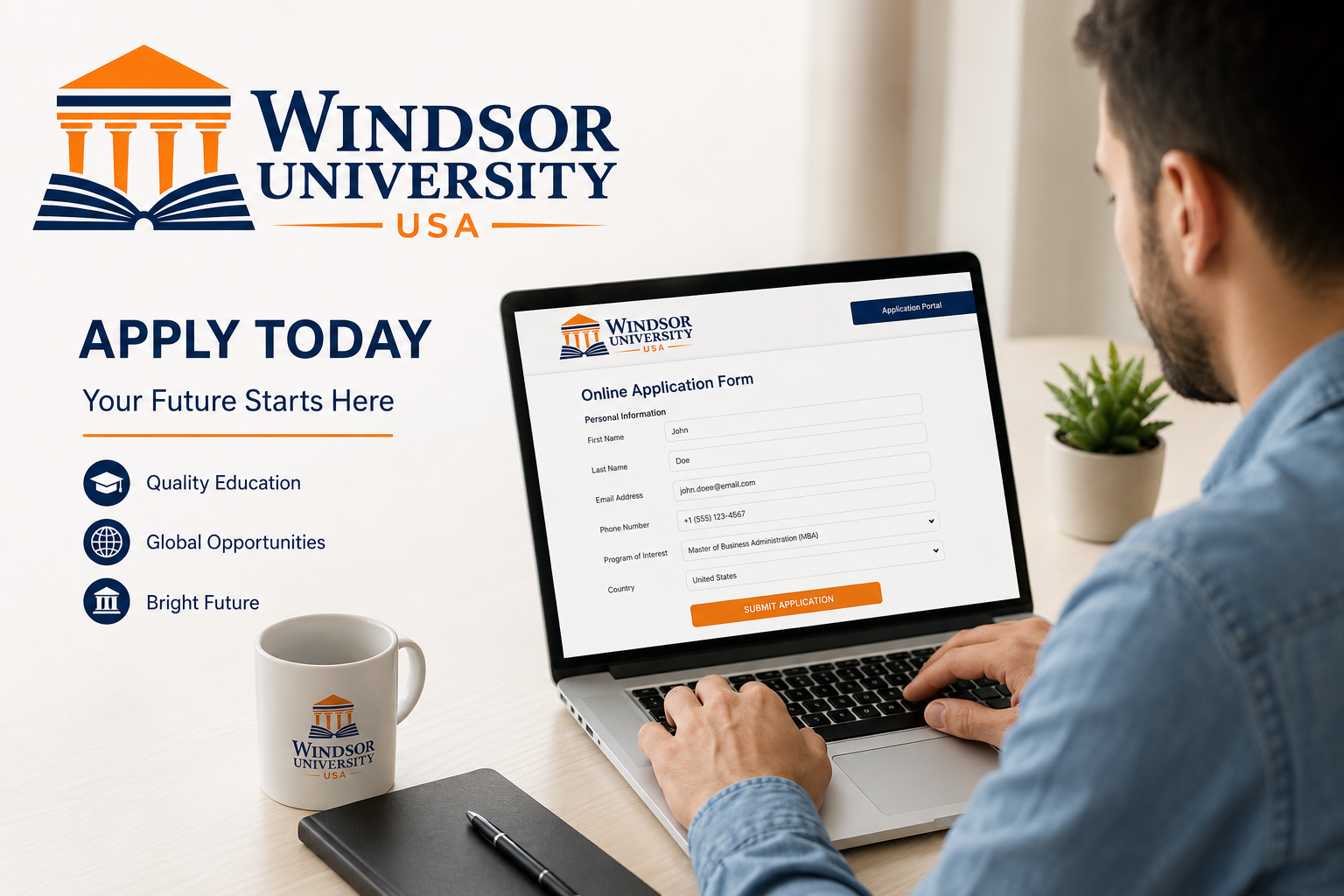
Apply Today
Please complete all required fields in the form below as accurately as possible.
If you have any questions regarding this application, please contact us at [email protected]
After submission, you will receive an automatic email outlining the next steps in our recruitment process, including the English proficiency requirement and interview preparation guidelines.
Applications are reviewed within 72 hours. Only shortlisted candidates will be contacted for the next stage. Thank you for your interest in joining Windsor University.
If you have any questions regarding this application, please contact us at [email protected]
Please complete all required fields in the form below as accurately as possible.
If you have any questions regarding this application, please contact us at
[email protected]
After submission, you will receive an automatic email outlining the next steps in our recruitment process, including the English proficiency requirement and interview preparation guidelines.
Applications are reviewed within 72 hours. Only shortlisted candidates will be contacted for the next stage.
Thank you for your interest in joining Windsor University.
Related Resources
Employee Information Form
Welcome to the Windsor University Employee Information Form. This form is an essential part of our official recruitment process and is designed to collect accurate and complete information from all applicants who are interested in joining our institution. Every candidate must ensure that all details provided are truthful, up to date, and consistent with official documents.
The purpose of this form is to help our Human Resources and academic recruitment teams evaluate your eligibility for available positions. It allows us to understand your academic background, professional experience, digital skills, and career interests in a structured and organized way.
Applicants are advised to carefully review each section before submission. Incomplete or incorrect applications may delay processing or reduce the chances of being shortlisted for the next stage of recruitment.
Application Overview
After successfully submitting your Employee Information Form, you will automatically receive a confirmation email from Windsor University. This email will include important instructions regarding the next steps in the recruitment process, including interview preparation guidelines and English proficiency requirements where applicable.
Our recruitment team reviews all applications within 72 hours of submission. During this period, each application is carefully evaluated based on qualifications, experience, and alignment with available positions within the university.
Only shortlisted candidates will be contacted for further stages, which may include interviews, technical assessments, or additional documentation requests. We encourage all applicants to ensure their contact information is accurate and accessible at all times.
Windsor University maintains a fair and transparent recruitment process, ensuring that all candidates are evaluated based on merit, qualifications, and suitability for the role.
Contact Information & Support
If you encounter any issues or have questions while completing the Employee Information Form, our recruitment support team is available to assist you. We encourage applicants to reach out before submission if they require clarification on any section of the form.
You may contact us via email at [email protected]. Our team is dedicated to responding to all inquiries as quickly as possible and providing the necessary support to ensure a smooth application process.
Common inquiries include questions about eligibility requirements, document submission, English proficiency standards, and technical issues with uploading files or completing the form.
We recommend that applicants review all instructions carefully before contacting support, as most questions are addressed within the application guidelines.
Personal Information
This section requires applicants to provide essential personal details, including full name, home address, date of birth, email address, phone number, and country of residence. This information is critical for identification and communication purposes throughout the recruitment process.
It is extremely important that all personal details are entered accurately and match official identification documents such as passports or national IDs. Any discrepancies may lead to delays in processing or verification issues at later stages.
Windsor University uses this information solely for recruitment and administrative purposes. All personal data is handled with strict confidentiality and in accordance with applicable data protection standards.
Applicants are also encouraged to provide a frequently used email address and active phone number, as all communication regarding application status will be sent through these channels.
Academic Background
The academic background section collects detailed information about your educational qualifications. This includes your highest degree earned, the name of your university, faculty or department, graduation year, and academic performance details.
This information allows the recruitment team to assess whether your educational background aligns with the requirements of the position you are applying for. Academic qualifications play an important role in determining eligibility for different roles within Windsor University.
Applicants may also be required to upload supporting documents such as transcripts, certificates, or degree verifications during later stages of the recruitment process.
If your documents are not in English, you may be asked to provide certified translations to ensure proper evaluation by the admissions or HR team.
Digital Skills & Professional Competencies
This section evaluates your level of proficiency in essential digital tools and workplace technologies. Modern academic and administrative roles require strong digital literacy, and applicants are expected to demonstrate their ability to use common software and communication tools effectively.
You will be asked to rate your skills in areas such as document creation and formatting, spreadsheet analysis, email communication, online collaboration platforms, and data management systems.
Additional skills such as CRM usage, reporting tools, and virtual communication platforms may also be considered depending on the position you are applying for.
Strong digital competencies are highly valued at Windsor University, as they contribute to productivity, efficiency, and effective communication across departments.
Career Opportunities
Windsor University offers a variety of career opportunities across academic, administrative, technical, and creative departments. Applicants are encouraged to select roles that best match their qualifications, skills, and career goals.
Available positions include Admissions Officer, Regulation Compliance Officer, Student Support Specialist, Full Stack Developer, Web Developer, Media Buyer, Advertising Officer, and Copywriting Officer or Web Content Writer.
Each position requires specific competencies, and candidates will be evaluated based on their education, experience, and skill set. Some roles may require additional assessments or interviews to determine suitability.
We encourage applicants to carefully review job descriptions before selecting positions to ensure alignment with their professional background and long-term career objectives.
Final Submission Notice
Before submitting your application, please ensure that all sections of the Employee Information Form are completed accurately and that all required documents are properly uploaded. Incomplete applications may result in delays or rejection.
Once your application is submitted, you will receive an automated confirmation email with further instructions regarding the recruitment process. This may include interview scheduling, assessment tasks, or additional document verification.
Windsor University appreciates your interest in joining our institution. We are committed to maintaining a transparent, fair, and professional recruitment process for all applicants.
We encourage you to double-check your information before final submission to ensure a smooth evaluation process.